
Junk Email
Mail flagged as spam, and how to move a conversation into Junk or rescue one from it.
Last reviewed
Junk Email holds mail flagged as spam, by Outlook or by a member. Junk never appears in anyone's Unread.
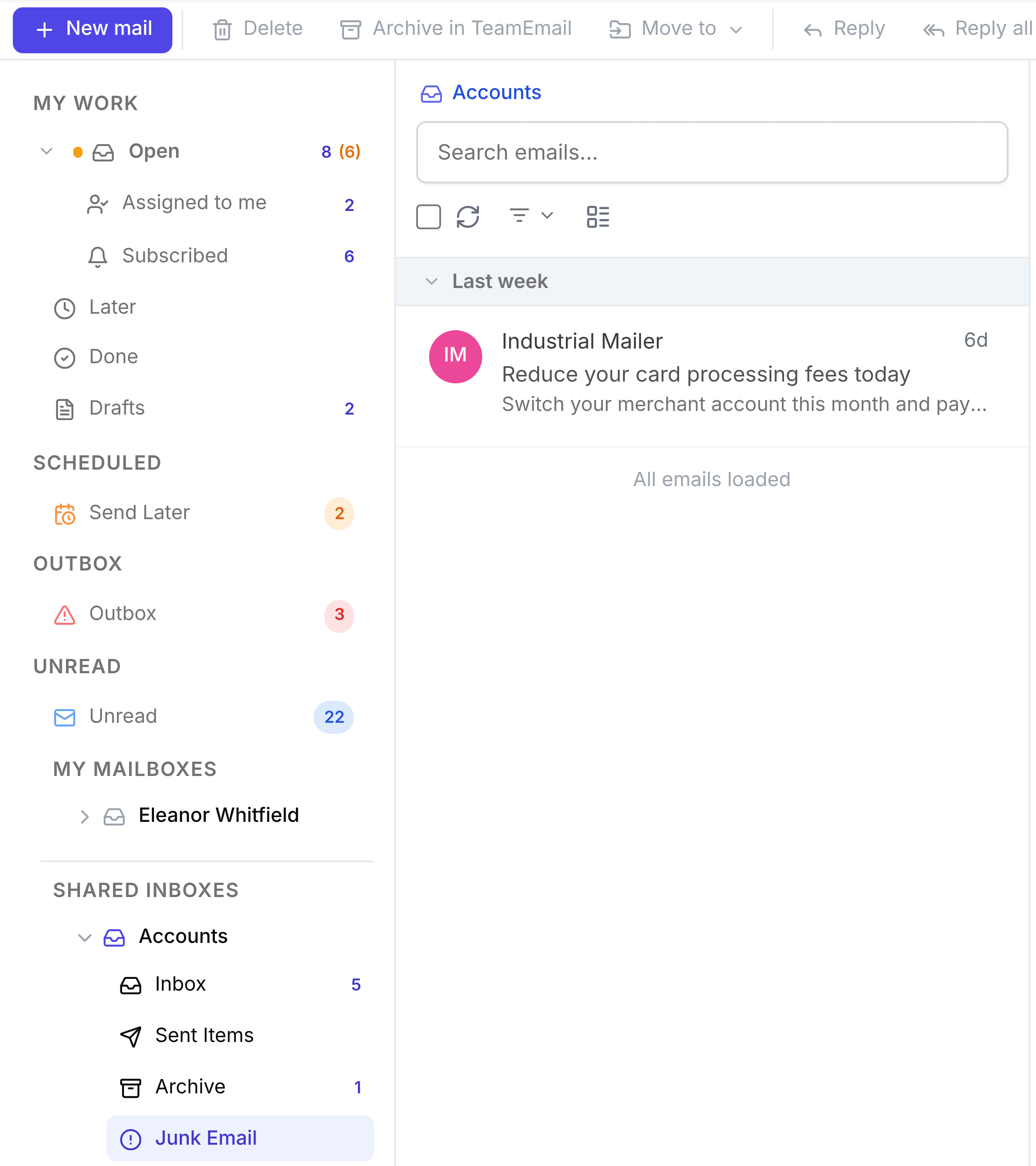
Move a conversation to Junk
Open the conversation and select Junk in the toolbar at the top of the page. The whole conversation moves, in TeamEmail and in the Outlook mailbox behind it, and a message confirms Moved to Junk.
Rescue something from Junk
Open it from Junk Email. A banner reads This conversation is in Junk. Select Not Junk, on the banner or in the toolbar, to move it back to the Inbox.
Images are hidden in Junk
Pictures in a junk message aren't loaded (the message says Images are not displayed to protect your privacy.), which stops a sender learning that you opened it. If you trust the message, select Display images.