
Default From
Choose the address every new email starts from.
Last reviewed
Set a Default From if most of what you write should come from one address, such as service@, rather than your own. It's a personal setting, and it only affects new emails: replies always start from the conversation's own address.
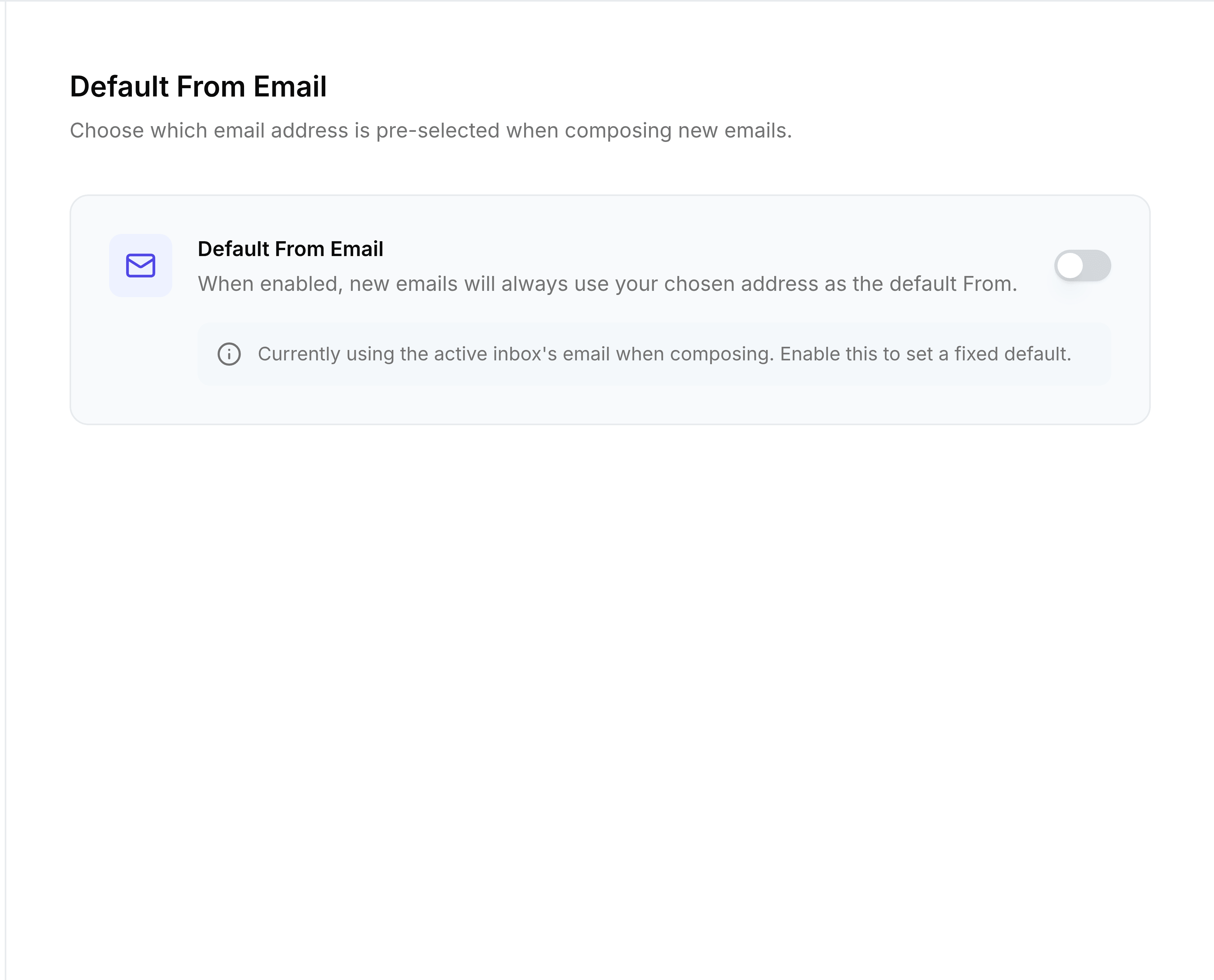
Go to Settings > Default From.
Turn on Default From Email.
Choose the address, from Personal or Shared Inboxes. The Compose preview shows how new emails will start.
Select Save.
A message confirms Default From set to address.
You're done when a new email opens with that address in From.
You can still change From on any single email before you send it. With Default From turned off, new emails start from your own mailbox.