
Mark a conversation done
Close a conversation out when it doesn't need you any more, and find it again under Done.
Last reviewed
When a conversation needs nothing more from anyone, mark it done. It leaves Open, so your list only holds work that's still to do, and it waits under Done in case you need it again.
At the top right of the conversation, select the status button. It reads Open. In your own mailbox the button only shows once the conversation is assigned; if it's missing, open the conversation from My work instead.
Select Done.
The button now reads Done, and a banner says This conversation is resolved. The conversation leaves Open and is listed under Done. In a shared inbox it also moves to the Resolved tab, for the whole team.
Marking a conversation done doesn't delete it or move it in Outlook. It only changes where it's listed.
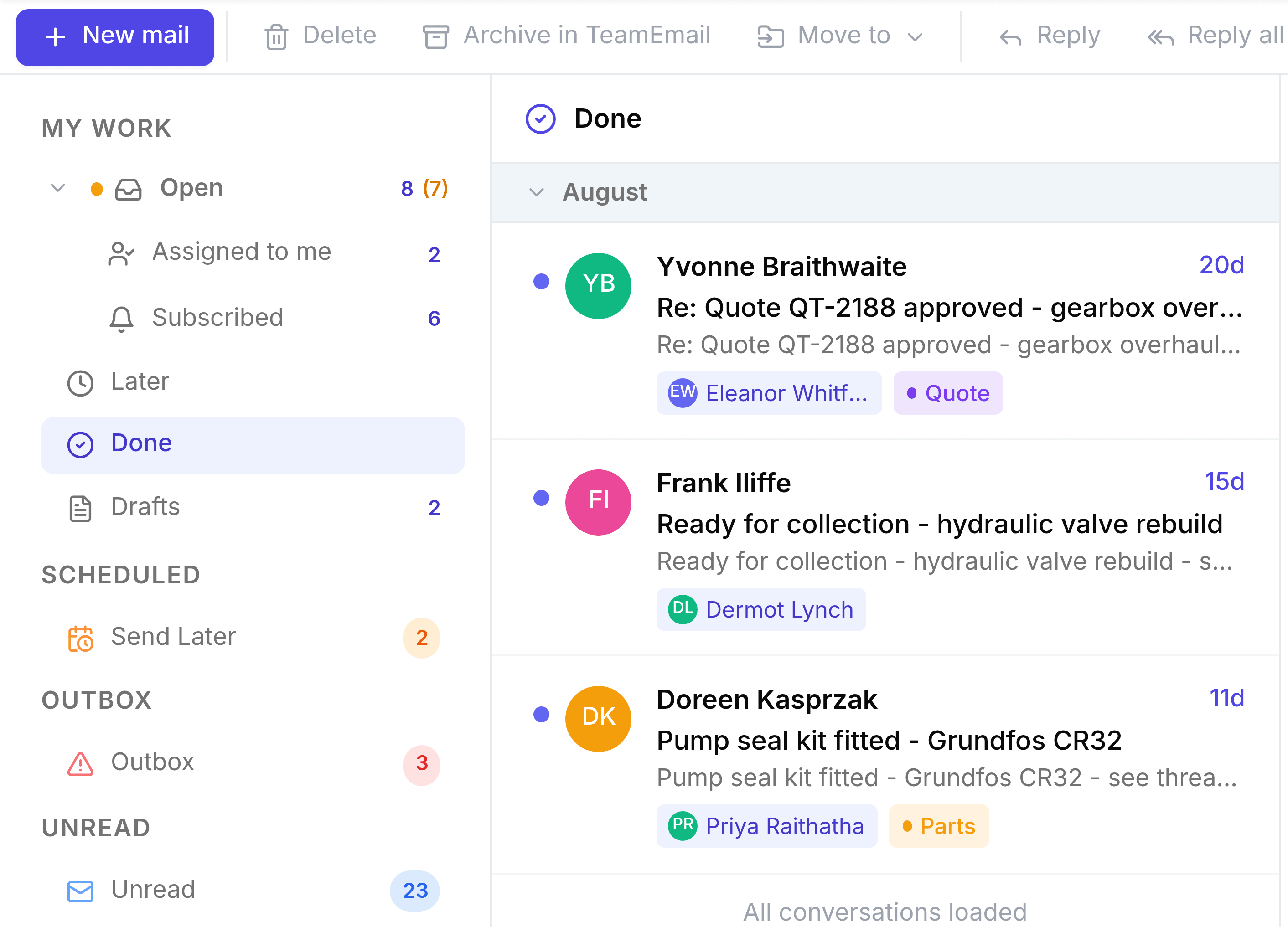
You're done when the conversation is under Done and no longer under Open.
Close it as you reply
If your reply is the last thing needed, select the arrow beside Send email and choose Send as > Resolved. It sends and marks the conversation done in one step.
If it needs you again
A new message from the customer reopens a done conversation automatically, and it goes back to Open. To reopen it yourself, open it from Done, select the status button and select Open.