
Archive
Conversations you've cleared from your lists without deleting them.
Last reviewed
Archive holds conversations you've put out of the way without deleting them. It isn't Outlook's Archive folder: archiving is a decision about a conversation in TeamEmail, and nothing moves in your Outlook mailbox.
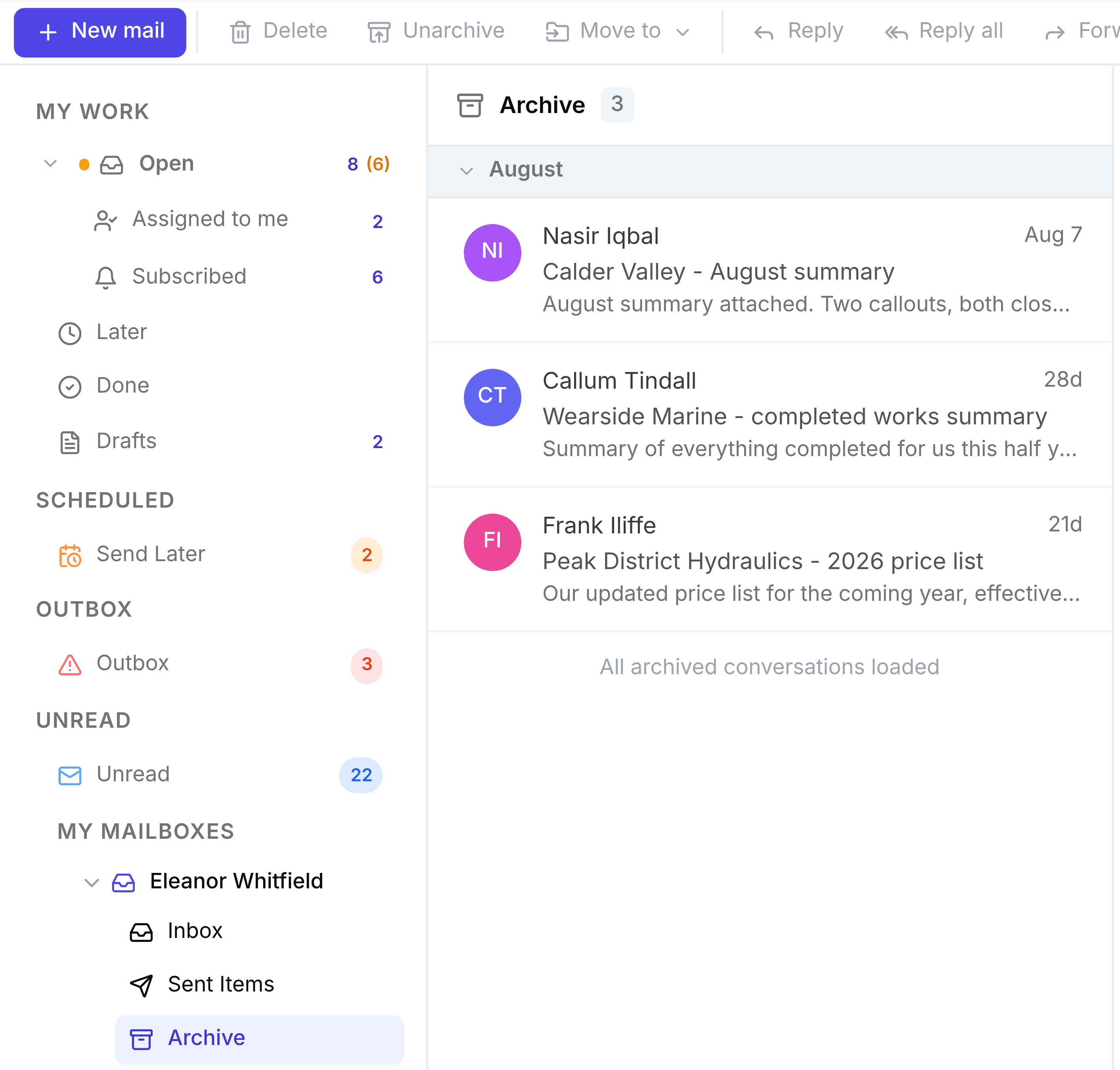
To archive, open a conversation and select Archive in TeamEmail in the toolbar. To bring one back, point to it here and select the button at the right of its row. It works exactly as in a shared inbox: see Archive a conversation.