
Deleted Items
Mail a member has deleted, and how to restore it or remove it for good.
Last reviewed
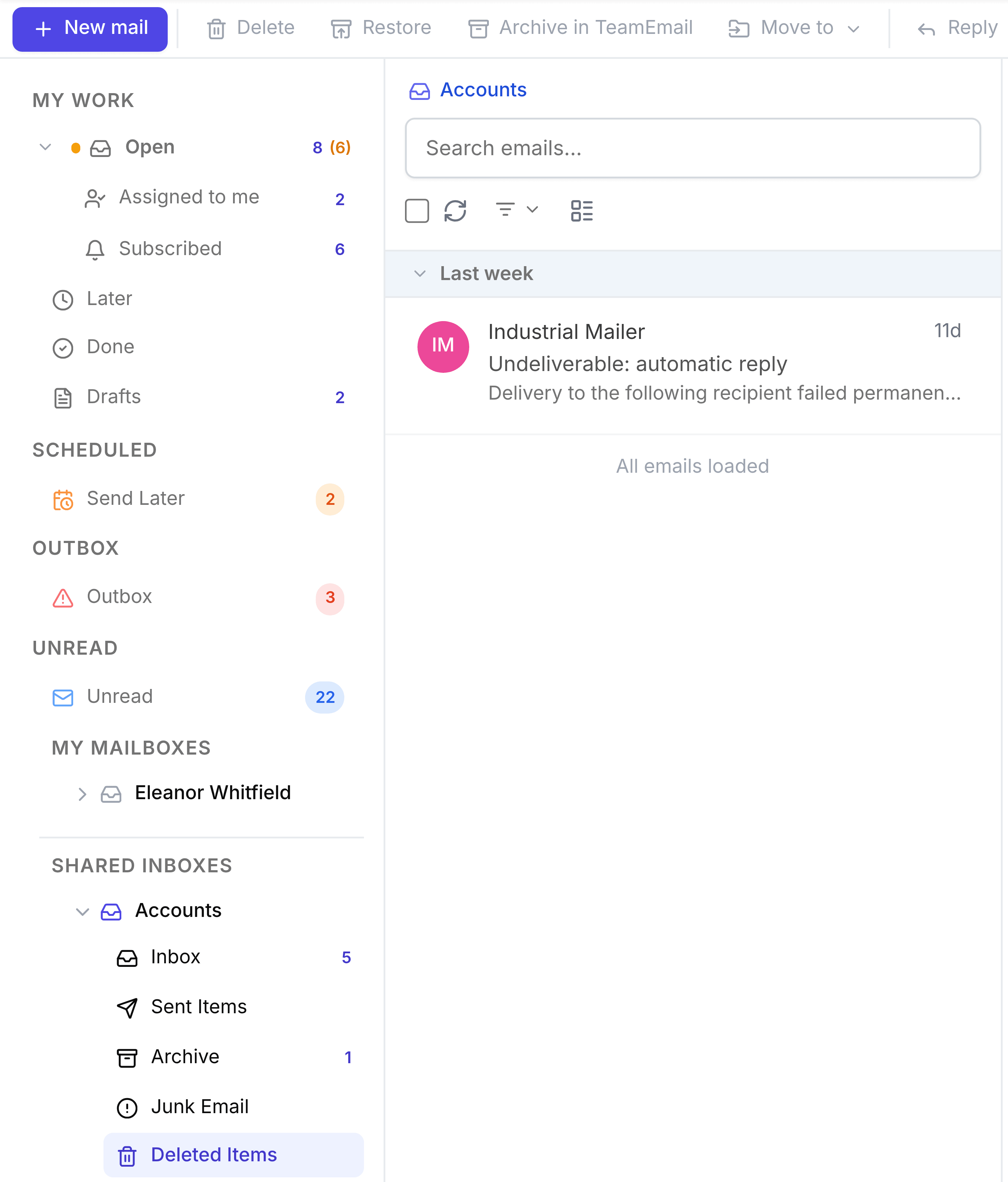
Deleted Items holds mail a member has deleted from any other folder in this shared inbox. It isn't gone yet: anything here can be restored for 30 days, after which it's cleared out automatically. A new reply from the customer also brings a deleted conversation back to the Inbox.
Delete a conversation
Open it and select Delete in the toolbar at the top of the page, then confirm: This email will be moved to Deleted Items. Delete suits mail nobody needs, such as a duplicate or an automatic notice. For finished work, archive it instead.
Restore it
Open it from Deleted Items and select Restore in the toolbar. It goes back to the folder it came from, and a message confirms Email restored.
Delete it for good
Selecting Delete on something already in Deleted Items removes it from TeamEmail for good. It isn't deleted from the Outlook mailbox. TeamEmail warns you first: This email will be permanently deleted and cannot be recovered.