
Deleted Items
Mail you've deleted, and how to restore it or remove it for good.
Last reviewed
Deleted Items holds mail you've deleted from any other folder in this mailbox. For 30 days, until you delete it from here too, you can get it back.
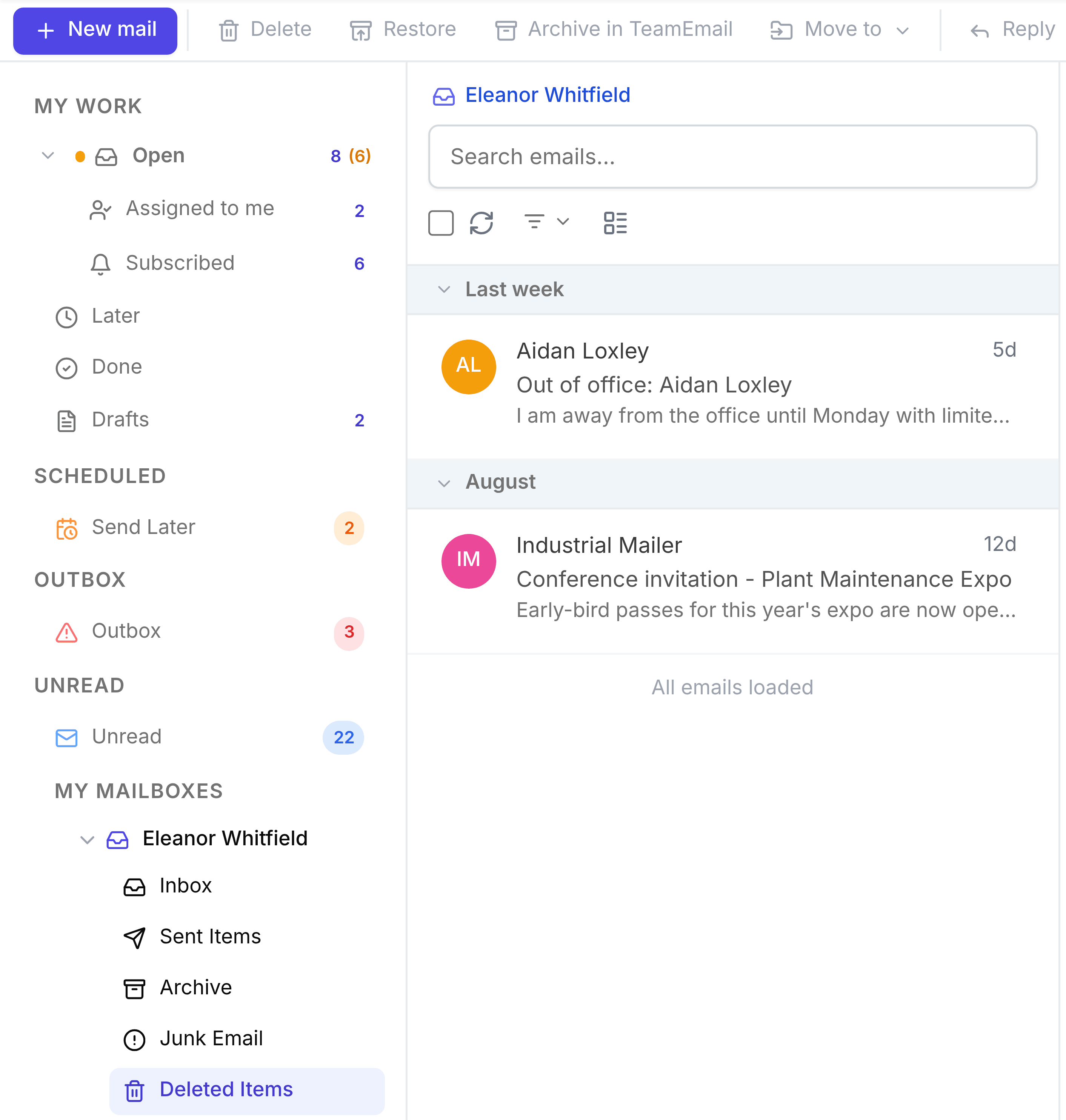
- Restore: open the conversation and select Restore in the toolbar. It returns to the folder it came from. A conversation deleted from Archive, or after it was marked Done, comes back as Open.
- Delete for good: select Delete on something already here. You're warned that it can't be recovered. It's removed from TeamEmail; the mail itself stays in your Outlook mailbox.
Delete and restore work the same way in a shared inbox. See Deleted Items.