
Subscribed
Conversations you're following without owning them, and how to follow or stop following one.
Last reviewed
Subscribed lists open conversations you're following but that aren't assigned to you. Following keeps a conversation in view after you've helped with it, so you see how it ends without having to own it.
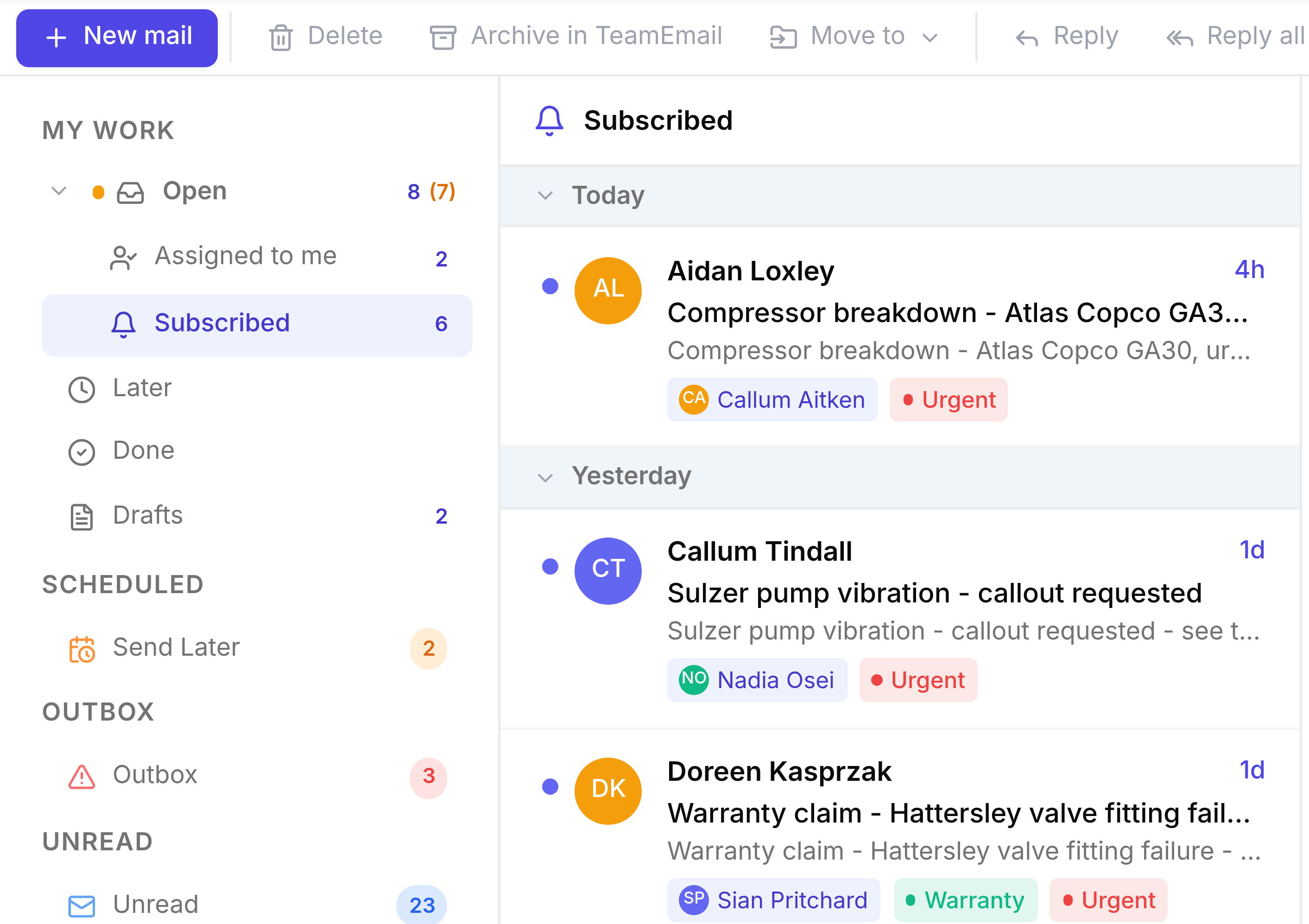
How you start following a conversation
Mostly it happens by itself. You follow a conversation when you:
- Are assigned it
- Post a note on it
- Are @mentioned in a note
- Are added to it by a teammate
To follow one yourself, open it and select Subscribe, beside the tags under its title. If nobody follows it yet, that link isn't shown: select + (Add participant) beside the inbox badge and choose yourself instead.
Stop following
Open the conversation and select the avatars under its title to see its Participants. Beside your own name, select Unsubscribe. You can't unsubscribe from a conversation that's assigned to you: reassign it first.
When a conversation is reassigned, its previous owner stops following it automatically.