
Junk Email
Mail flagged as spam in your own mailbox, and how to rescue it.
Last reviewed
Junk Email holds mail flagged as spam, by Outlook or by you. Junk never appears in Unread, and new junk isn't assigned to anyone.
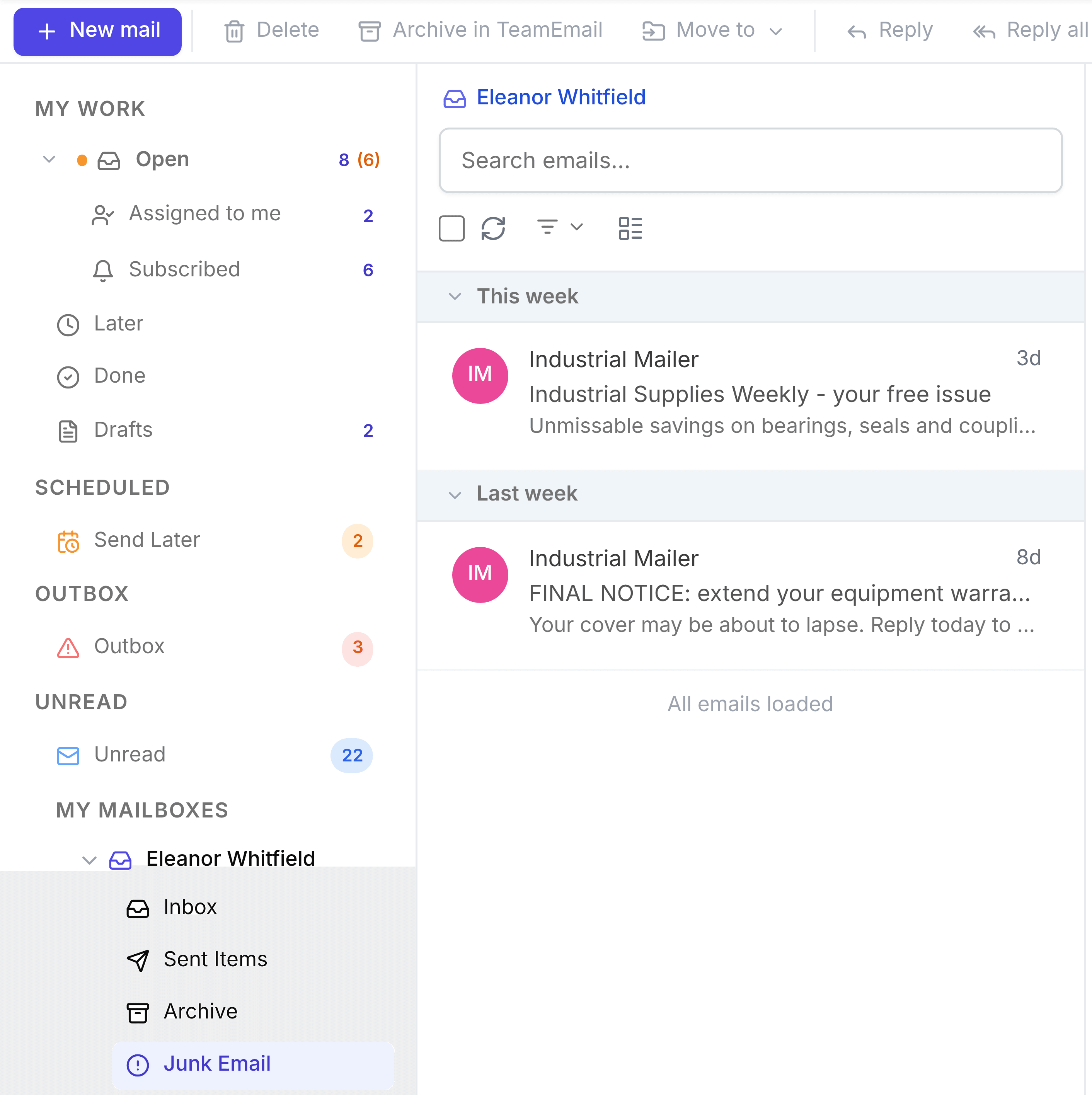
- Send something to Junk: open it and select Junk in the toolbar.
- Rescue something: open it from here and select Not Junk. It moves back to your Inbox.
- See its pictures: images in junk are hidden until you select Display images.
The same controls work in a shared inbox. See Junk Email.