
Welcome to TeamEmail
What TeamEmail does, and where to start.
Last reviewed

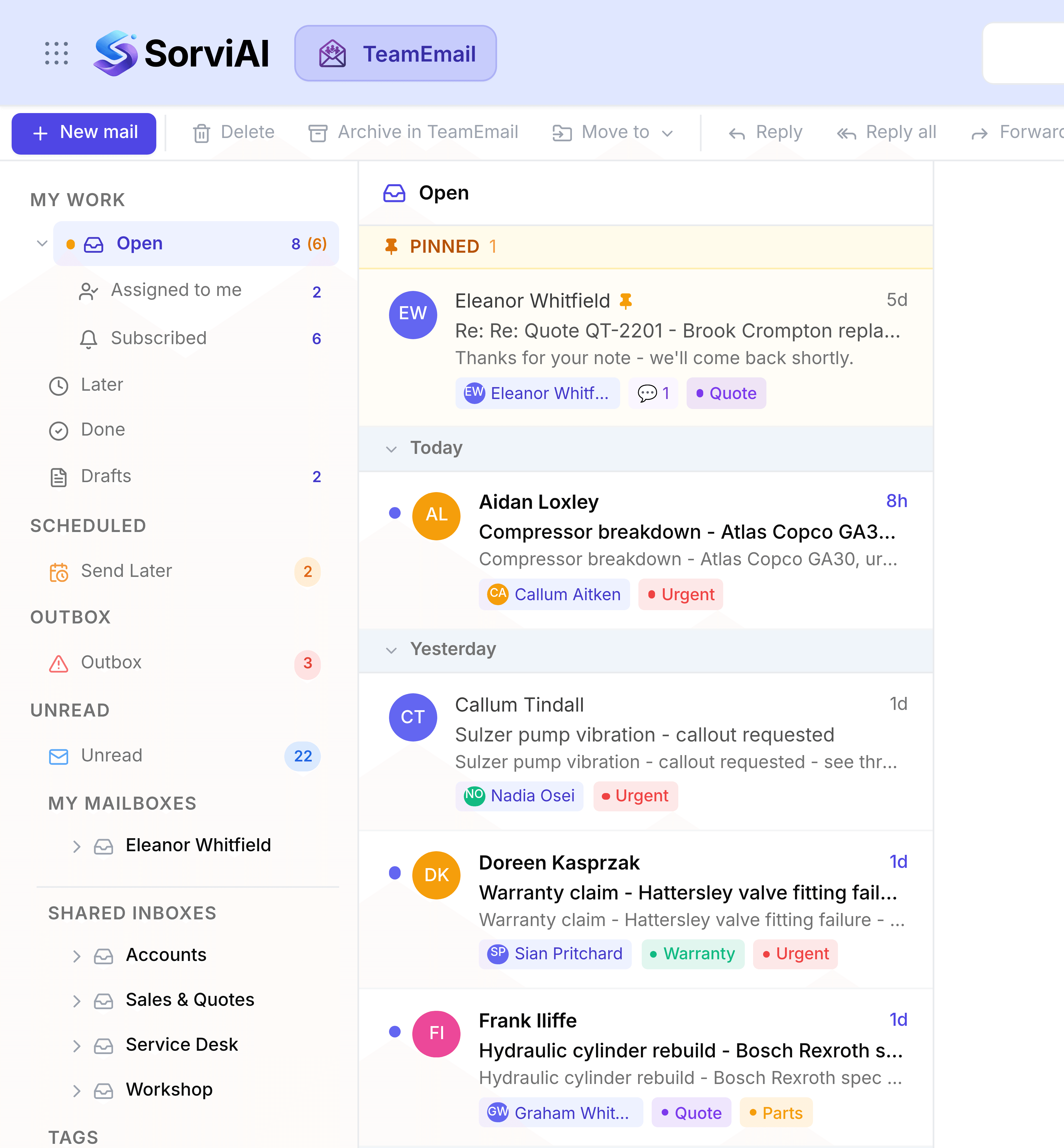
TeamEmail turns the addresses your team already answers, sales@, service@, accounts@, into somewhere work can actually be tracked. It runs on your real Outlook mailboxes, so nothing moves and nothing is migrated.
What it gives a shared address
- An ownerAssign a conversation and it stops being everybody's problem and becomes one person's job.
- A private channelNotes and @mentions sit inside the conversation and never reach the customer.
- A clear statusOpen, Waiting and Done show whose move it is, so nothing is left hanging.
- One recordReplies go out from the shared address, so the team's history is in one place rather than in personal mailboxes.
Read these first
- Answer a customer email from start to finishOne real request, from arriving to closed. The fastest way to learn TeamEmail.
- Navigating TeamEmailWhat every part of the screen is for.
Setting up for the team
- ConnectionsConnect the Outlook mailboxes your team answers.
- InboxesTurn them into shared inboxes and add the members.
- TeammatesInvite people and choose your administrators.