
Assigned to me
Every open conversation in your name, from every inbox you're in.
Last reviewed
Assigned to me is your personal queue: every open conversation, in any inbox you can see, that has your name on it. Clear this list and you've done everything the team is counting on you for.
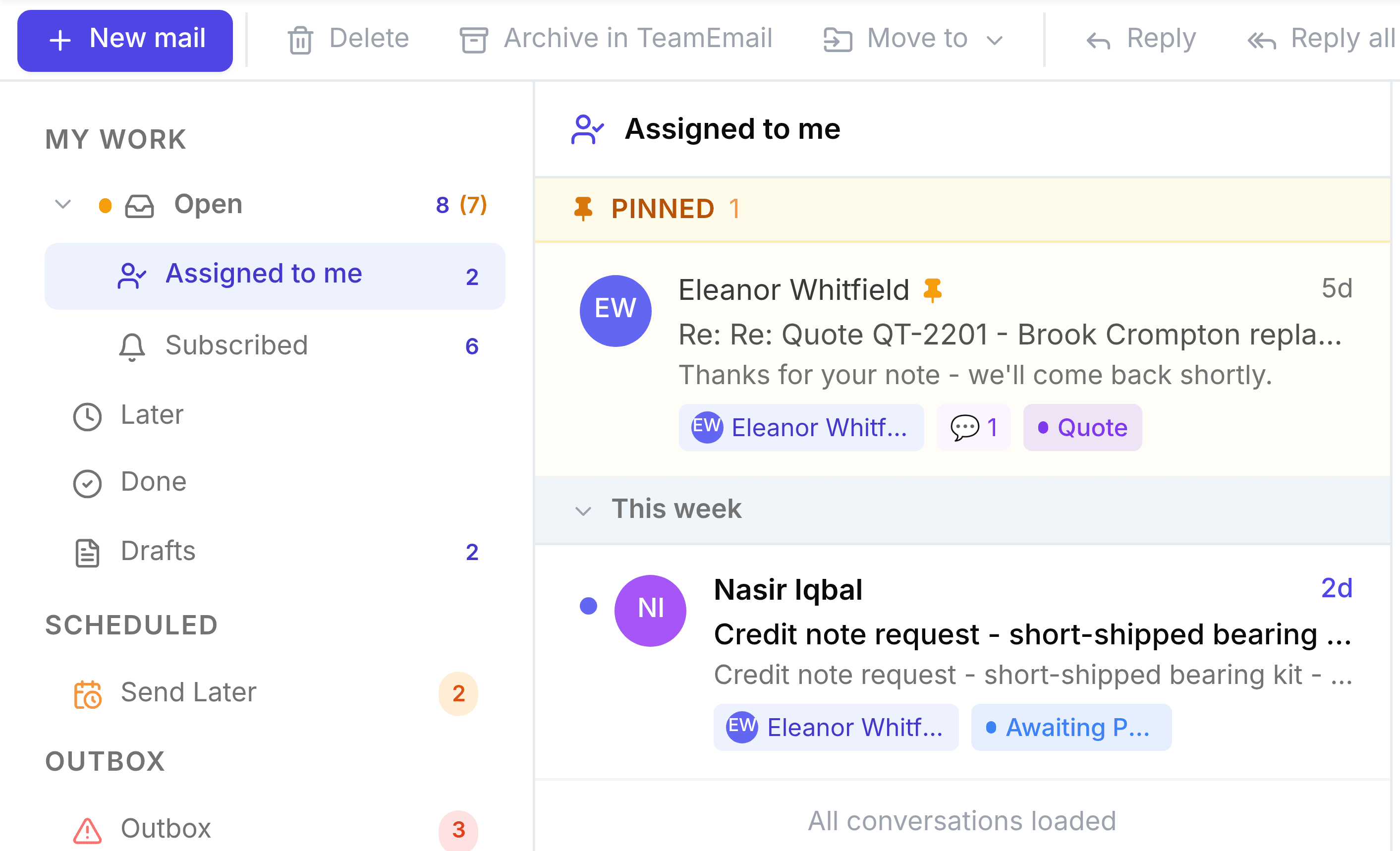
A conversation lands here when anyone assigns it to you, including you. You get a notification when a teammate does it. It leaves when you mark it Waiting or Done, snooze it, or it's reassigned.
Keep the important ones at the top
Point to a conversation and select Pin to top. Pinned conversations sit under Pinned, above everything else, until you select Unpin. Pins are yours alone.