
Welcome to Worklink
What SorviAI Worklink covers, and the groundwork worth doing before your first week.

Worklink is the workforce app in the SorviAI suite: the people on your books, the hours they work, and the time they take off. These guides take one screen at a time, so you can read the page you are standing on and stop there.
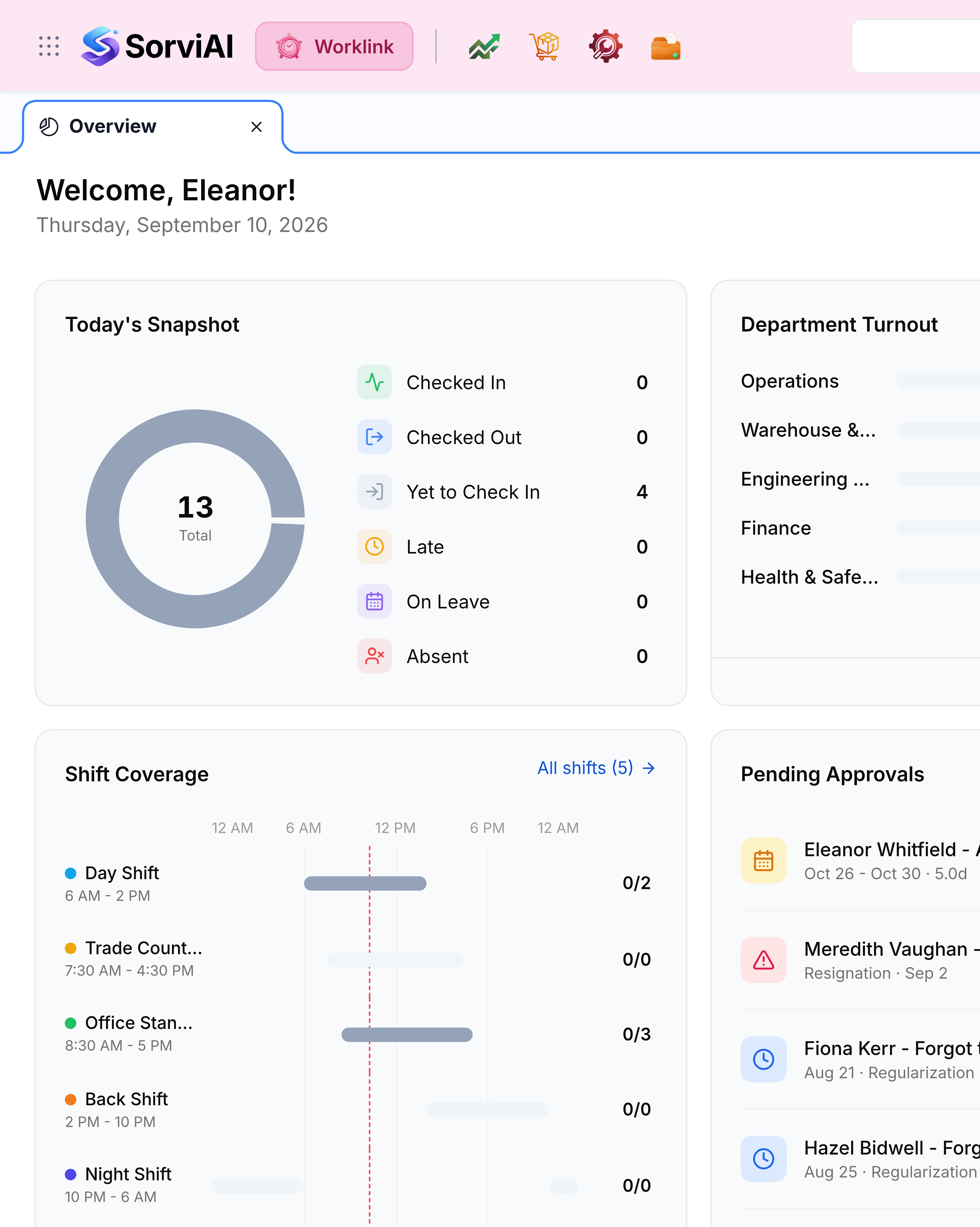
What Worklink covers
- EmployeesThe roster, and the record everything else in Worklink hangs off.
- Attendance recordsOne row per person per day, from the first check in to the last check out.
- PresenceWho is at work right now, and who has not arrived.
- LeavesRequests, the queue they wait in, and the balance they come out of.
- ShiftsThe working pattern every record is measured against.
- TrainingProgrammes, who is assigned to them, and who has finished.
- Visitor managementPeople on site who are not on the payroll, from arrival to sign out.
- ReportsWhat the organisation worked, what it took as leave, and where a request is stuck.
Putting your people in
Nothing in Worklink works until the roster does, because a shift, a leave request and an attendance row all point at an employee record. Start there, add the departments and job titles as you go, and let the rest follow.
Adding somebody takes two required fields, plus a third that decides how they are reported on afterwards. Employees is where that happens.
Groundwork worth doing early
- DepartmentsGroup the roster the way the organisation is actually run.
- DesignationsJob titles, and the seniority they carry inside a department.
- ShiftsWorking patterns, so attendance has something to be judged against.
- Holiday calendarThe days nobody is expected in, before somebody books leave over one.