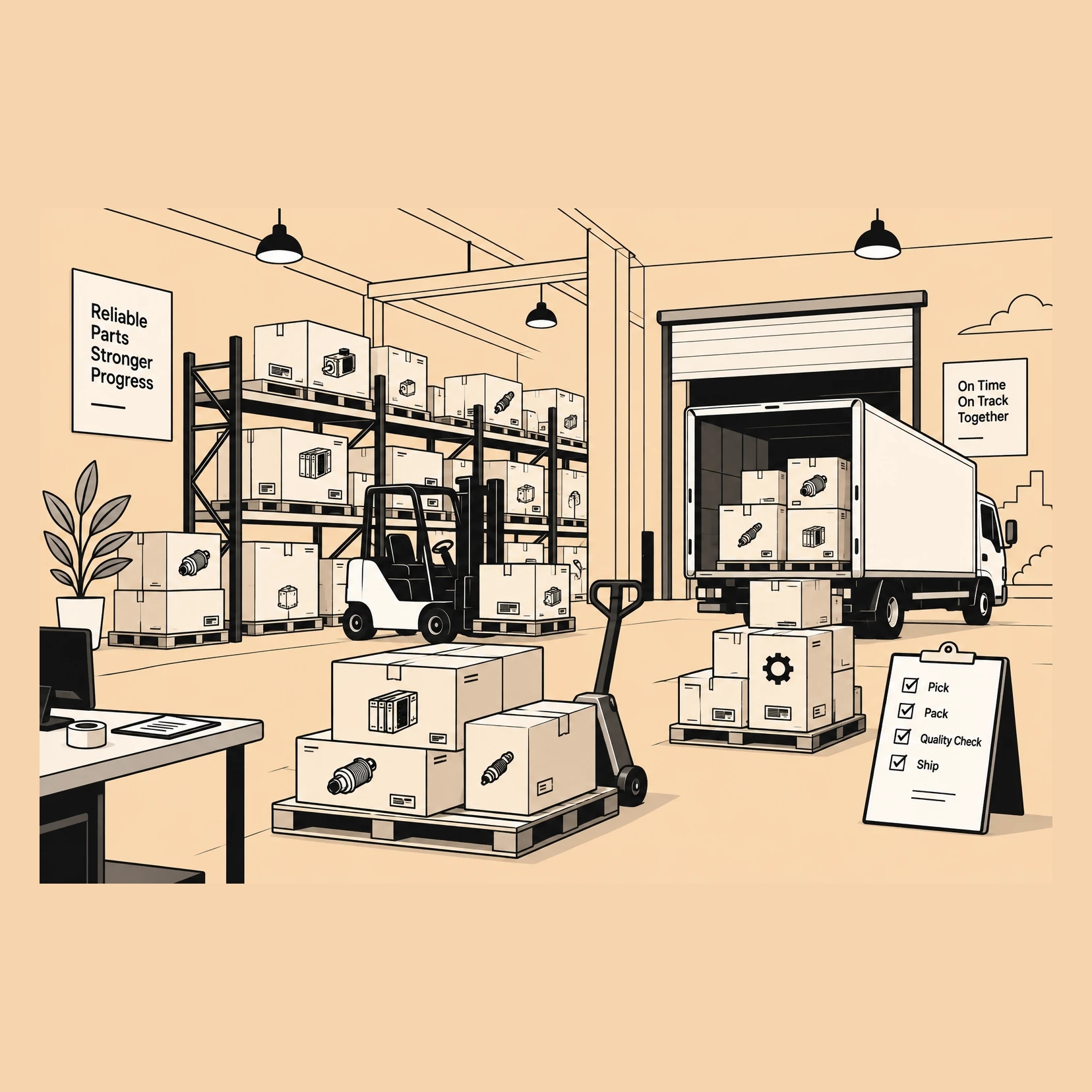




Stock Levels, Cost and Movement

Inventory keeps quantity and value together in each warehouse. Each receipt, issue, transfer and count moves both, at the item's costing method.

30-day trial. No card needed.

A store worker ticking off a stock count checklist beside a stack of cartons

Stock that doesn’t depend on you

  • Hiring someone is not the same as handing over the job. In Inventory, receiving, counting, picking and shipping each have their own screen and their own record, so you can hand over one job at a time and see that it was done.

  • A growing team needs clear limits, not a shared password. Roles are scoped to Inventory, so someone can count stock without seeing what it cost, and an Inventory admin can run the team without becoming an admin of your whole business.

  • When stock lives in one person’s head, it walks out with them. Every movement keeps the document that caused it, and every correction records the reason, the date and who made it, so the history stays with the business.

A smiling warehouse worker in a black cap carrying a cardboard carton past shelves of stacked cartons.

What Inventory covers

A variant is an item in its own right, with its own SKU, price and stock. Rate lists, sales returns, stock held per warehouse and a vendor portal for your suppliers all have a place here.

9:41
app.sorviai.com/inventory

Billing

Inventory, priced for the organisation

Choose a plan below, or compare plans.

Per user

Flexi

Per-user pricing, for the users you pick

£5

/ user / month, billed annually

  • Suited to personal and small businesses
  • Priced per user, starting from a single user
  • Add or remove users at any time
  • Inventory, with roles and permissions for every user
  • Two-factor authentication and an audit trail

Every employee

Most popular

All teams

One plan for every employeeSave 55%

£2.25

/ user / month, billed annually

  • Suited to professional teams
  • A minimum of 5 users, set for your organisation
  • Declare your headcount, then add employees as you grow
  • Inventory for every employee
  • Two-factor authentication and an audit trail
Custom

Enterprise

A bundle and terms shaped around you

Custom

price

  • Suited to organisations that need to scale
  • Choose the applications and user counts you need
  • Data import and migration with our team
  • Guided onboarding for every team
  • Your own domain
BeforeWith Inventory
Only the owner really knows what is on the shelfStock is held per warehouse, on the item, for anyone given access
Sales and purchasing kept in separate tools and reconciled laterPurchase orders and sales orders raised against the same items in one app
A wrong count is fixed by overwriting the numberAn adjustment records the reason, the date and who made it
Every “what rate do they get?” comes back to youPrice lists apply the agreed rate where the order is raised
“Where is my order?” means asking someone to checkThe shipment carries the carrier and the DHL or UPS tracking
Picking is done from memory or an annotated printoutA picklist names the units, the quantities and where they are
Everyone sees the cost price, or nobody sees the stockRoles scoped to Inventory: stock counts without cost, if you choose
Every size and colour is lumped under one name, or kept in a side sheetEach variant is an item with its own SKU, price and stock

What changes

Your stock grew. Your system didn’t.

Sales and purchases

Both trade cycles, on the stock they move

Buying and selling are raised in the same app the stock is held in. A purchase order becomes a receive that puts units on the shelf, and a sales order becomes a shipment that takes them off, so the figure and the paperwork move together rather than being reconciled afterwards.

One app holds both sides

Customers, sales orders, invoices and credit notes sit beside vendors, purchase orders, receives and bills, against the same items.

A document is what moves the figure

Raising an order commits units without moving them; a receive and a shipment are the events that change what is on hand.

The same item on both sides

The record a purchase order buys is the record a sales order sells, so a description or a unit is corrected once.

Corrections and moves

Stock adjustments and stock transfers

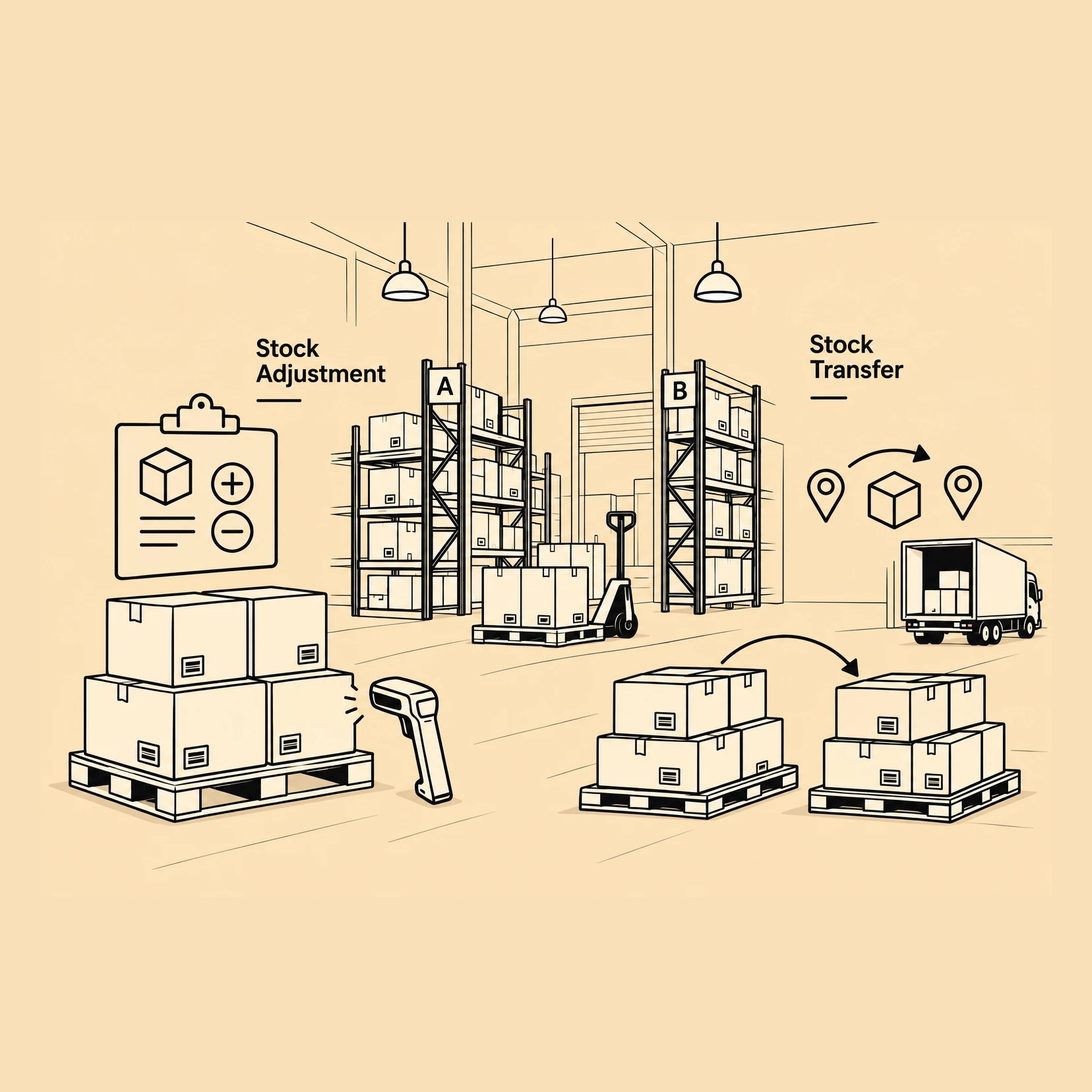
Not every movement is a sale or a purchase. A count that disagrees with the figure is settled by an adjustment that carries its reason, and units moved between sites travel on a transfer with its own picking and receiving, so they are accounted for while they are between the two.

An adjustment says why

Quantity or value, against a named warehouse, with a reason recorded on the document rather than in somebody’s memory.

A transfer is two events

Units leave one site and arrive at another, and the stock is counted at one end or the other throughout.

Both post as they happen

Each writes its own journal entry, so the value on the shelf and the value in the books move in the same step.

Fulfilment

Packages and shipments

An order is a promise; a package is what was put in the box and a shipment is it leaving with a carrier. Stock comes off on the shipment, so what is on hand reflects what has actually gone rather than what has been agreed.

A package records what was packed

The units and quantities that went into the box, against the order they were promised on.

A shipment carries the carrier and the tracking

DHL and UPS tracking sits on the shipment, so the answer to where an order is lives on the record rather than in an inbox.

Stock leaves on the shipment

Committed units stay counted until the shipment goes, which is what keeps the figure honest between the order and the door.

Items

Items and picklists

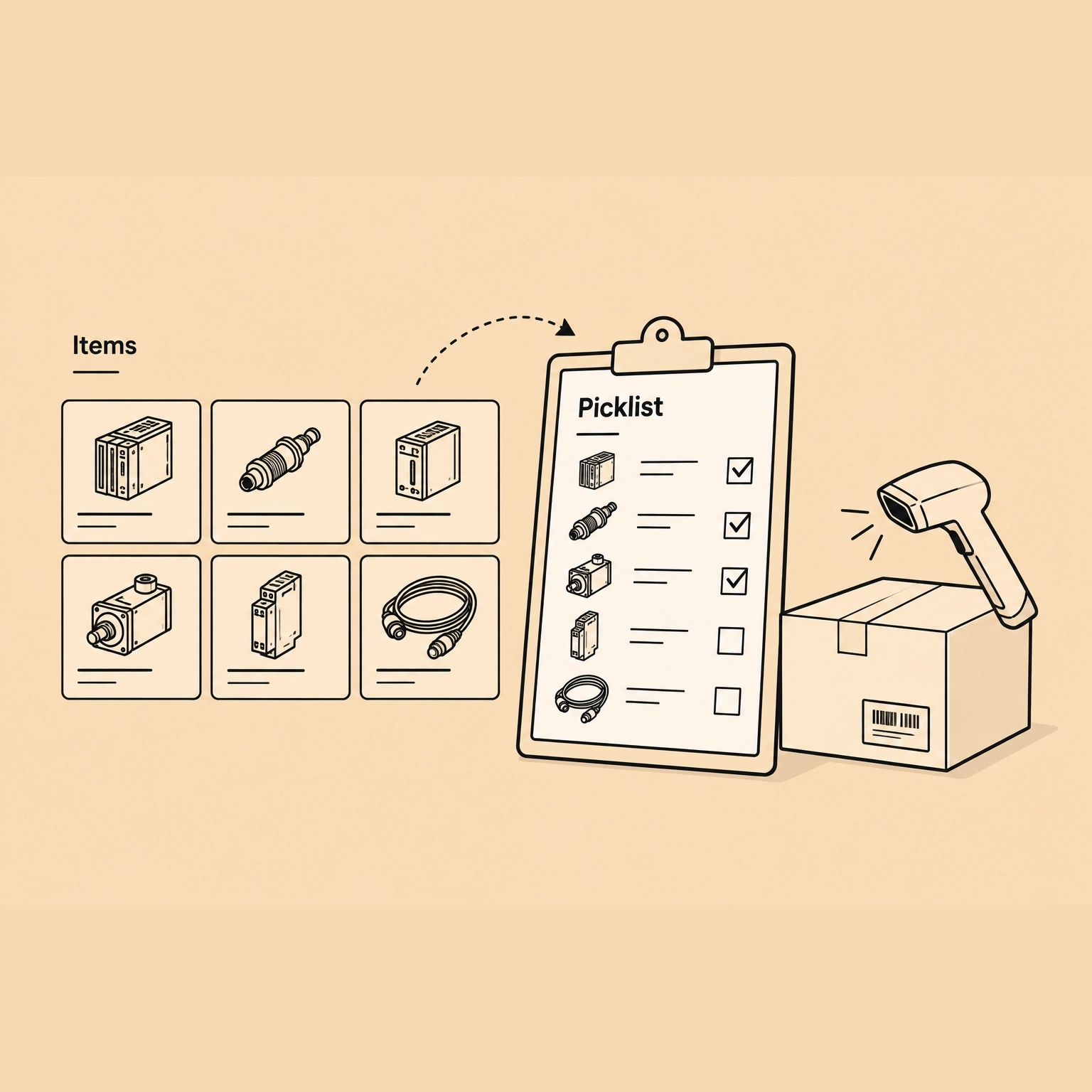
The item is the record every document on this page points at, carrying its own SKU, unit and stock. A picklist turns an order into an instruction: which units, how many, and where on the shelves they are.

One record, every document

The same item is ordered, received, priced, adjusted, transferred and shipped, so there is one place to correct it.

A picklist names units and locations

What to take and where it is, so picking is worked from the record rather than from a printout somebody annotated.

What is picked is what ships

The picked units are what the package is built from, which is how the shipment and the stock figure stay in step.

FAQ

Questions about Inventory

Always know what you hold, and what it is worth

Start a 30-day trial and put your first items on the shelf. When it ends, your workspace goes read-only and your export stays available. We never lock you out of your own books.

30-day trial. No card needed.

A smiling warehouse worker in a black cap and orange hi-vis vest carrying a cardboard box.